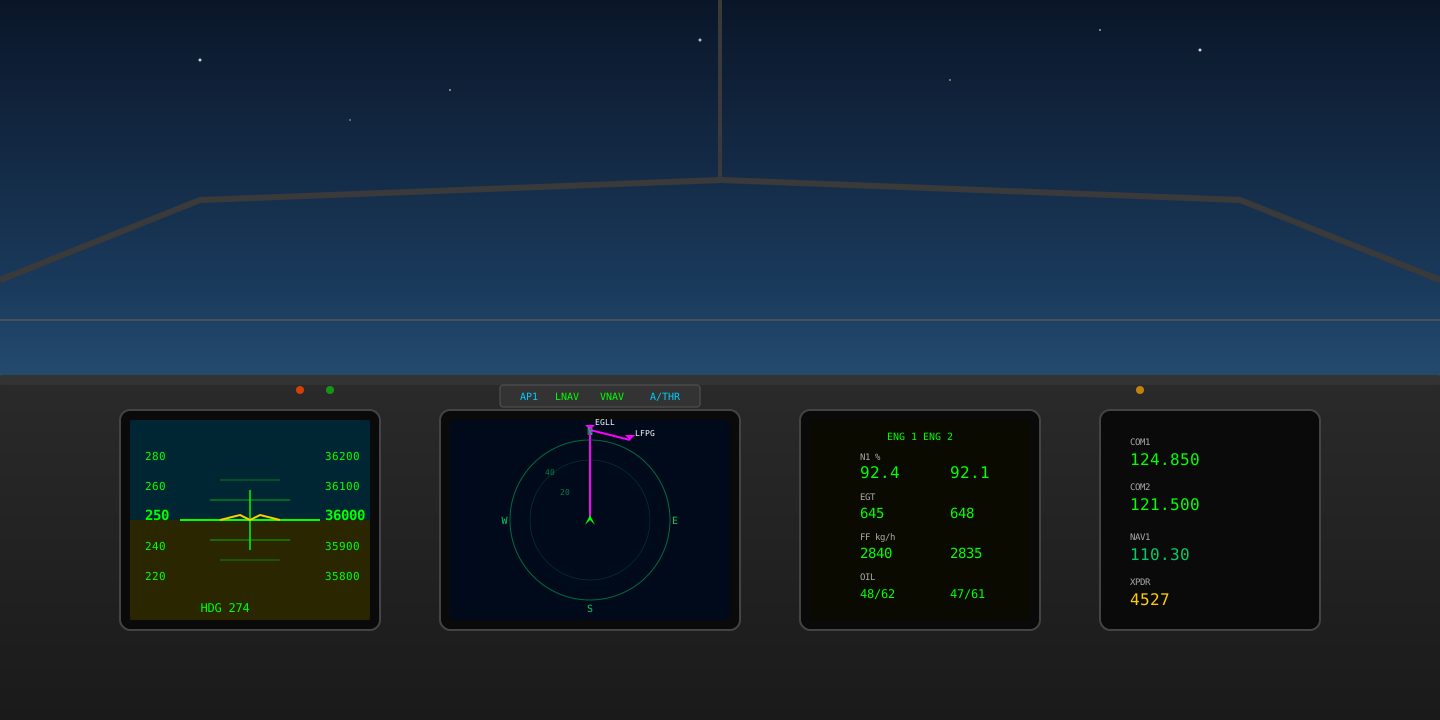
The Ultimate Flight Simulator Setup Guide for Serious Virtual Pilots
If you have spent any meaningful time in the world of flight simulation, you know that the difference between a mediocre experience and a truly immersive one comes down to setup. Whether you fly MSFS 2024, X-Plane 12, or DCS World, getting your configuration right is what separates casual enthusiasts from dedicated virtual aviators.
Hardware Calibration: The Foundation of Realistic Flight
Before you even launch your simulator, your peripherals need to be dialled in. A poorly calibrated joystick or set of rudder pedals will fight you on every approach, and no amount of software tweaking will compensate for hardware that is not properly set up.
Joystick and Yoke Sensitivity Curves
Most modern HOTAS systems ship with linear response curves, which is rarely what you want for precise flying. For general aviation, I recommend a slight S-curve that deadens the center 10–15% of travel while maintaining full authority at the extremes. In MSFS 2024, navigate to Options → Controls and adjust the sensitivity slider to around -35% for pitch and roll. For DCS modules like the F-16C, you will want tighter curves — around -20% — since the real aircraft uses a force-sensing sidestick.
Rudder Pedal Configuration
If you are serious about your pilot career in simulation, rudder pedals are non-negotiable. Configure a 5% dead zone to eliminate phantom yaw inputs, and ensure your toe brakes are mapped independently. In X-Plane 12, verify under Settings → Joystick that the pedal axis is not conflicting with twist-grip yaw if you also have a joystick with a Z-axis.
Software Optimization: Squeezing Every Frame
Flight simulation is among the most demanding workloads you can throw at a PC. Knowing which settings to prioritize and which to sacrifice is critical.
MSFS 2024 Performance Tuning
The golden rule: terrain LOD and object LOD have the highest impact on both visual quality and performance. Set terrain LOD to 200 for a good balance, and drop object LOD to 150 if you are GPU-limited. Glass cockpit refresh rate should be set to medium — the difference between medium and high is barely perceptible, but the FPS cost is substantial. For VR users, render scaling at 80% with TAA upscaling provides the best clarity-to-performance ratio.
X-Plane 12 Rendering Settings
X-Plane’s Vulkan renderer has matured significantly. Set your texture quality to maximum — it is largely VRAM-dependent and has minimal CPU cost. Visual effects should be set to high, but reflection detail can safely drop to medium. The number of world objects slider is the biggest single performance lever; keep it at 40–60% for complex addon airports.
DCS World Graphics Pipeline
DCS benefits enormously from fast single-thread CPU performance. Set preload radius to a minimum of 100000, enable flat terrain shadows but disable civilian traffic. For multiplayer servers, reduce view distance to 80% to maintain stable frame times during large-scale engagements.
Logbook Management: Tracking Your Flight Hours
A well-maintained logbook is more than vanity — it is the backbone of structured progression. Every serious flight simulation platform now offers some form of flight tracking, and leveraging it properly will accelerate your development as a virtual pilot.
Automatic Flight Detection
MSFS 2024’s built-in logbook captures departure, arrival, flight time, and aircraft type automatically. However, it misses key details that matter for pilot career tracking: approach types, weather conditions, and landing performance. Third-party tools like Volanta or SimToolkitPro fill this gap by recording vertical speed at touchdown, G-forces, and ILS precision data.
Cross-Platform Logging
If you fly across multiple simulators — and most serious simmers do — consolidating your logbook becomes essential. Export your flights in CSV format from each platform and maintain a master spreadsheet or use a unified tracker. This becomes especially important when you want to demonstrate experience on competitive platforms.
Building a Pilot Career in Flight Simulation
The days of aimless free flight are behind us. Modern flight simulation supports structured career progression that mirrors real-world aviation pathways.
Career Mode Progression
MSFS 2024’s integrated career mode assigns missions based on your logged hours and demonstrated proficiency. Start with bush flying and VFR navigation challenges before graduating to IFR operations and airliner routes. Each completed mission adds to your in-sim rating, unlocking increasingly complex scenarios.
Online Network Flying
VATSIM and IVAO provide the most realistic ATC experience available in simulation. To participate effectively, you need a correctly configured audio stack (ensure your PTT key does not conflict with simulator bindings), a basic understanding of radiotelephony, and patience. Start on quiet frequencies, file simple VFR flight plans, and build confidence before attempting complex IFR clearances in busy airspace.
Competitive Flying
For pilots who want to push their skills further, competitive events offer structured challenges that test precision, decision-making, and consistency under pressure. Timed approaches, fuel-efficiency challenges, and formation flying events are excellent ways to benchmark your abilities against other dedicated simmers.
Ressources recommandées
- MSFS 2024 Official Documentation — Essential reading for understanding the new aerodynamics model
- X-Plane 12 Knowledge Base — Detailed technical articles on rendering and physics
- DCS User Manual Library — Module-specific setup guides for each aircraft
- PilotLeague – competition platform for pilots — Structured competitive events and rankings to test your skills against the global flight simulation community